
The Travelling Elf
When your family has finished with your elf, give it a logbook and send it on: to a cousin, a friend, a nursery or a school. Every family adds a page, and the elf's story grows.
Where has been
Loading the journey...
How it works
- Print the logbook and fill in the cover with your elf's name. Make a travel code below and print it on the luggage tag.
- Fill in a family page: your town, a family nickname, the 24 nights and the best prank. Add a photo of the elf, just the elf.
- Put your town on the map with the code. Then hand the elf, the logbook and the tag on to the next family.
- Each new family adds a page and a stop. Anyone with the code can see where the elf has been.
The logbook and the luggage tag
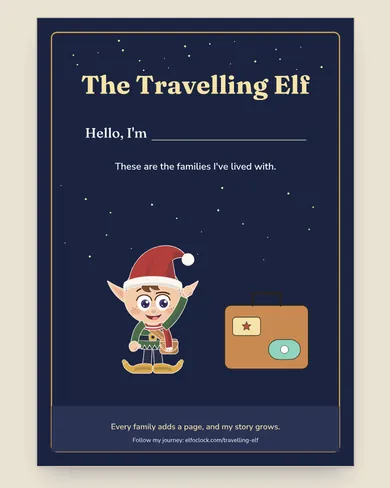
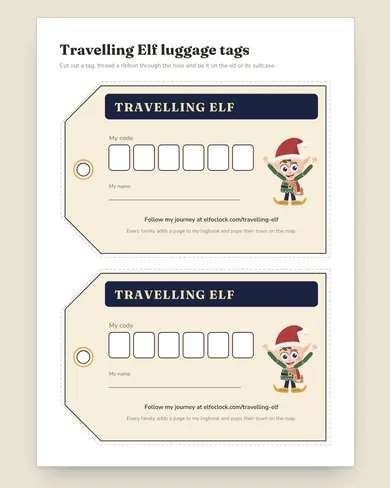
Put your town on the map
Town level only, no photos, and every stop is checked before it shows. Please don't add names, addresses or anything that says who you are.
Find an elf's journey
Questions parents ask
- Do you post the elf for us?
- No. You hand it on yourselves, to a cousin, a friend, a nursery or a school. The logbook and the map just keep its story together.
- What goes on the map?
- The elf's code, the town it stayed in and one line about it. No names, no addresses and no photos, and every stop is checked before it shows.
- Can I take a stop off the map?
- Yes. Email hello@elfoclock.com with the code and the town and we'll remove it.